



I let Claude tune my Raspberry Pi 5. The SSD got twice as fast.
I gave Claude Code sudo on my Raspberry Pi 5 dev server and asked it to find speed and memory wins. After one reboot, NVMe throughput doubled, boot time fell from 94 seconds to 16, and every change came with a revert note.
9 minute read lordtime
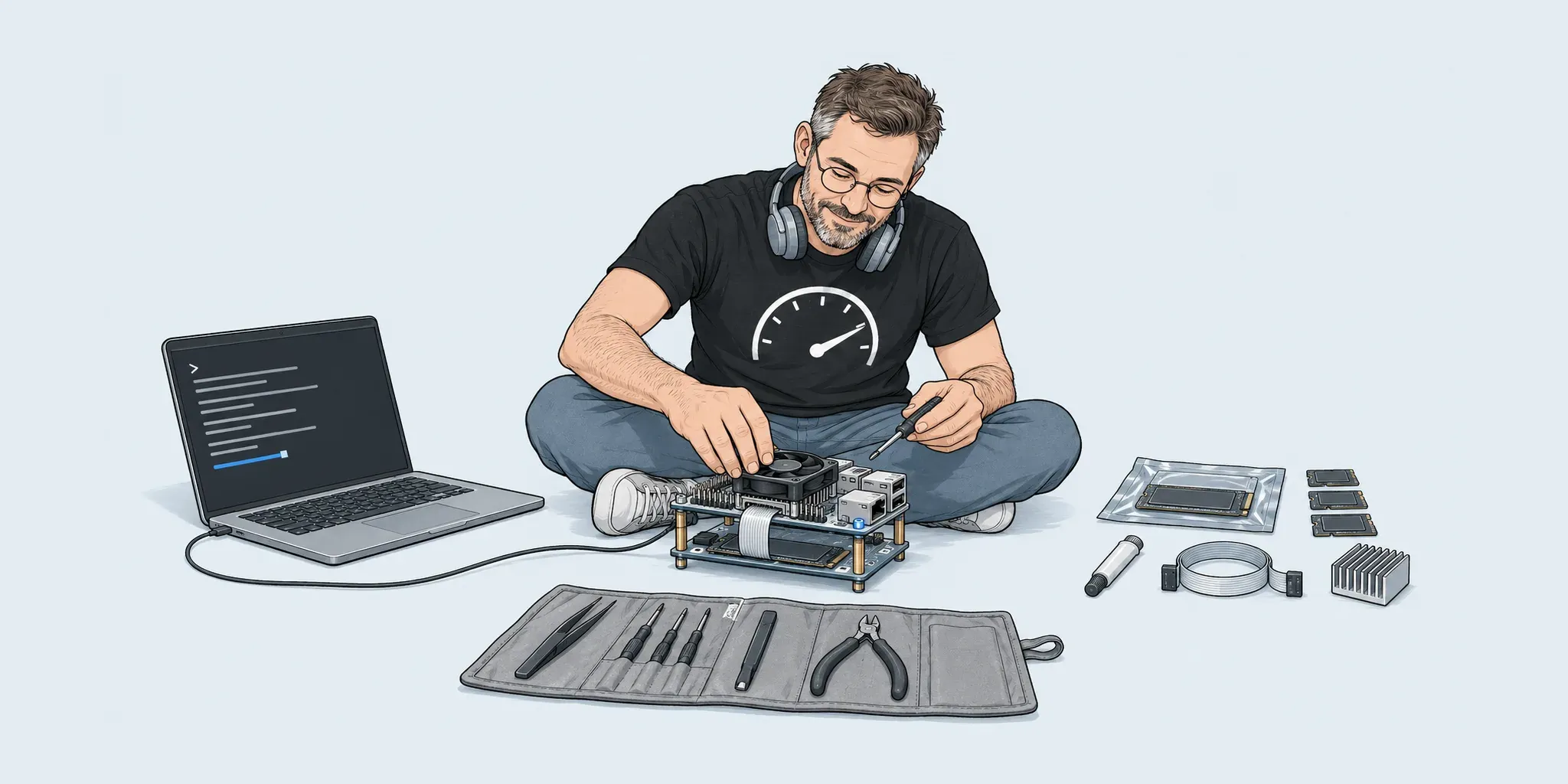
My Raspberry Pi 5 is a working dev server, not a toy. It runs Apache with PHP-FPM, Node, MariaDB and Postgres, a Cloudflare tunnel and Samba, from a Crucial P2 NVMe drive on an M.2 HAT. Over two years it had picked up an old desktop session, snaps, a MongoDB nobody used, three kernels and a 3.9 GB system journal.
I gave Claude Code sudo and one instruction: check what host optimisations can be done on this Pi to improve its speed and memory. It audited the machine, proposed changes one area at a time, and I approved each before it ran. Then I rebooted and asked it to check what had happened.
The results
| Measure | Before | After | Change |
|---|---|---|---|
| Sequential read (fio, 1 MiB) | 429 MiB/s | 853 MiB/s | +99% |
| Sequential write (fio, 1 MiB) | 421 MiB/s | 827 MiB/s | +96% |
| Random 4K read | 106k IOPS | 211k IOPS | +99% |
| PCIe link to the SSD | 5 GT/s (Gen 2) | 8 GT/s (Gen 3) | — |
| Boot to multi-user target | 1 min 34 s | 16 s | −83% |
| System journal on disk | 3.9 GB | 272 MB | −93% |
| Swap file | 16 GB | 4 GB | 12 GB freed |
| Bootloader EEPROM | 2025-02-12 | 2026-09-25 | — |
How it was measured
Disk throughput comes from fio with direct I/O, so the page cache cannot flatter the numbers. Claude ran the baseline before changing anything. After the reboot it found its first post-reboot run had used deeper queues than the baseline, and reran with the exact baseline settings so the comparison is like for like:
fio --rw=read|write --bs=1M --size=1G --direct=1 --ioengine=libaio --iodepth=16
fio --rw=randread --bs=4k --size=512M --direct=1 --ioengine=libaio --iodepth=32 --runtime=20
Two after-runs agreed: 853/827 MiB/s and 211–212k IOPS both times. Boot time is systemd-analyze for the boot before the changes and the boot after them.
What I am not claiming: a memory saving. Three minutes after boot the Pi used 1.3 GiB with 6.5 GiB available, but the “before” figures were taken after hours of uptime, so they are not comparable. I would rather publish no number than a flattering one.
What changed
One line doubled the SSD
The Pi 5’s PCIe slot runs at Gen 2 by default. Adding one line to /boot/firmware/config.txt moves it to Gen 3:
dtparam=pciex1_gen=3After the reboot lspci reported the link at 8 GT/s. The drive also shows “x1 (downgraded)”, which is normal: the P2 supports four lanes and the Pi provides one.
Boot: three causes, one of them not ours
- The journal.
systemd-tmpfiles-setuptook 38 seconds, mostly walking a 3.9 GB journal. A drop-in capped it at 300 MB (SystemMaxUse=300M,SystemMaxFileSize=50M). - A desktop the server never used.
plymouth-quit-waittook 45.6 seconds waiting for a graphical session. The Pi now boots tomulti-user.target; the desktop is still installed andsudo systemctl start lightdmbrings it up. A new server would skip it entirely: our guide to cloning a WordPress site onto a Pi starts from Raspberry Pi OS Lite for that reason. - An overdue
fstrim. It took 20.5 seconds in that boot. That is a weekly maintenance job catching up, not something the tuning fixed. Some of the 78-second gain is just the timing of that one boot.
Startup now takes 3.7 s in the kernel and 12.2 s in userspace. The largest remaining items are cloudflared (5.7 s) and waiting for the network (4.3 s), both of which a server needs.
Less running, less installed
- Services off:
warp-svc(never registered), ModemManager (Ethernet only) and CUPS. The printer stays configured for when I need it. - Removed: snapd and its snaps (certbot had no certificates; PowerShell was unused) and a MongoDB 4.4 server with its data and apt repo.
- Databases on demand: MariaDB is socket-activated, so it starts on the first connection. Postgres no longer starts at boot.
- Kernels: two leftover kernels purged, including the Pi 3/4 flavour, leaving only the Pi 5 kernel.
- Node: nvm was replaced by the NodeSource package, so Node updates with
aptlike everything else.
Swap that fits the machine
zram was using lz4 with only 256 MB. It is now zstd with 2 GB at priority 100, so compressed RAM is used before the disk. The swap file behind it went from 16 GB to 4 GB, which frees 12 GB on the SSD. With 8 GB of RAM, a 16 GB swap file on an SSD was mostly wear waiting to happen.
Bootloader and firmware tooling
rpi-eeprom was not even installed. Claude installed it, switched the update channel from latest to default (the stable channel), and updated the EEPROM from 2025-02-12 to 2026-09-25. A udev rule lets the video group use vcgencmd without sudo, which made the temperature and throttle checks below easy to run.
What it left alone on purpose
An agent with sudo can talk itself into “optimising” everything. Claude also recorded what it deliberately did not change:
- CPU governor stays
ondemand. Pinningperformanceadds heat for little gain on a mostly idle server. - No overclock. Not worth the stability risk on a machine I depend on.
- Root filesystem already
ext4 noatime. Nothing to gain. - The 16K-page kernel stays. It is the Pi 5 default and faster for most workloads.
The thermal footnote
Before the reboot, vcgencmd get_throttled returned 0xe0000: since that boot, the Pi had at some point hit its soft temperature limit and throttled. There was no under-voltage. These flags reset on reboot, so a clean reading afterwards proves nothing by itself.
What I can say: after two full rounds of disk benchmarks the flags were still 0x0 and the SoC was at 67 °C. The SSD doing twice the work did not push it into throttling. A better cooler would make the margin bigger, but that is hardware, not tuning.
How the work went
I approved each step individually; Claude did not batch changes behind my back. Two habits made it easy to trust:
- Baselines first. It measured disk, boot and link speed before it changed anything, then measured again after the reboot. When the settings did not match, it reran rather than reporting the better-looking number. We held our Wordfence measurements on a Pi 5 to the same rule, with a control run after every test.
- A revert note for every change. Backups went to a dated folder and each item got a one-line undo, written to a file in my config repo, not just to the chat.
That second habit is the one I would ask of any person or tool with root on a machine I care about. The same goes for the instructions an agent works from: keep them in the repository, as we suggest in the tools we recommend for AI coding.
| Change | Revert |
|---|---|
| PCIe Gen 3 (config.txt) | Delete the dtparam line (backup kept) |
| EEPROM channel and update | sudo rpi-eeprom-update -r, or the recovery image |
| Journal size cap | Delete the journald drop-in |
| zram and swap file size | Restore the .bak copies of both config files |
| Console boot target | sudo systemctl set-default graphical.target |
| Services disabled | sudo systemctl enable --now <unit> |
| Databases not started at boot | sudo systemctl enable mariadb postgresql |
| Kernels, snaps, MongoDB removed | Reinstall the packages |
Questions people ask
Is PCIe Gen 3 safe on a Pi 5?
Raspberry Pi does not certify it, and some drive and HAT combinations are unstable. On our Crucial P2 with an M.2 HAT it has been clean: no AER errors in the kernel log, even under sustained benchmarks. Test your own hardware, and keep the one-line revert ready.
Would I get the same doubling?
Only if your SSD was limited by the Gen 2 link. A Gen 3 or Gen 4 NVMe drive usually is. A SATA SSD on a USB adapter, or an SD card, is not affected by this setting at all.
Did Claude do anything I could not have done myself?
No. Every change is standard Linux and Raspberry Pi administration. The value was the audit: it went through boot timings, services, packages, swap and firmware in one session, measured before and after, and wrote down how to undo each step.
Is it safe to give an AI agent sudo?
Only with guardrails. Here it proposed each change and waited for approval, kept backups and revert notes, and worked on a machine I can rebuild. I would not hand it unattended root on a production server.
Why not overclock as well?
This Pi is a server I rely on. A doubled SSD and a 16-second boot came with no stability trade-off apart from the Gen 3 link, and that one is easy to check and undo. An overclock adds heat and risk for a smaller gain on this workload.
Sources
- Raspberry Pi documentation — PCIe Gen 3.0 — Pi 5 defaults to Gen 2.0 (5 GT/s); Gen 3.0 is enabled with dtparam=pciex1_gen=3 and is not certified. Read 28 October 2026.
- raspberrypi/rpi-eeprom — Bootloader EEPROM update scripts and release channels for the Pi 4 and Pi 5.
- journald.conf — systemd manual — SystemMaxUse and SystemMaxFileSize, used to cap the journal.
- zram — Linux kernel documentation — Compressed RAM block devices and the compression algorithms, including zstd.
- Claude Code overview — The agent used for the audit and changes.
Have a server that has quietly slowed down?
Tell us what it runs. We will measure it first, change only what the numbers justify, and leave you a note for undoing every step, the same way this Pi was tuned.